WhatsApp blocked my account: what to do and how to get your number back
If WhatsApp blocked your number with no explanation, don't reinstall or change everything. How to identify the block, appeal with evidence and avoid making it worse.

Incident, status, policies, reviews and error codes checked against official Meta and WhatsApp sources and 360dialog technical documentation.
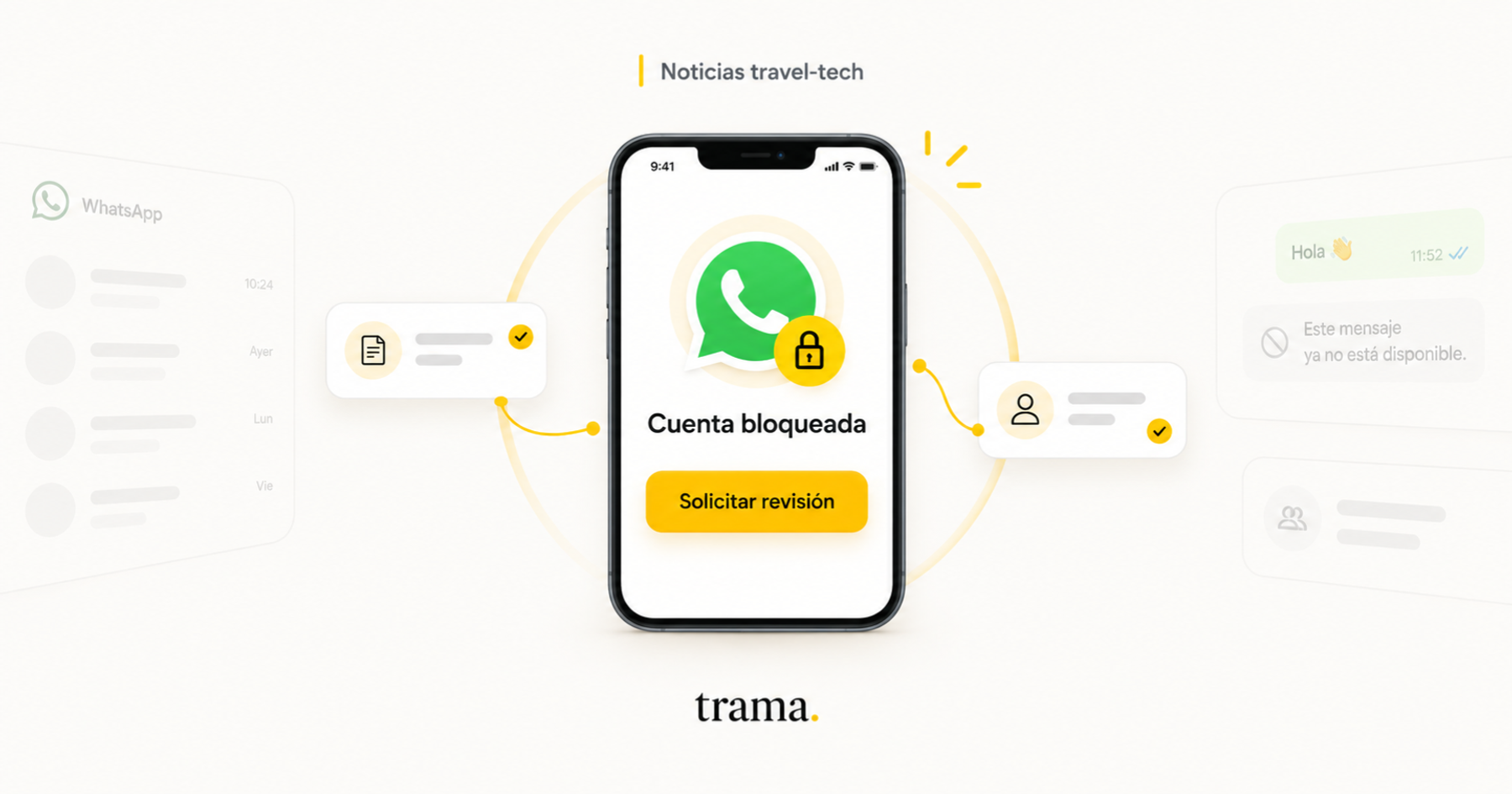
“WhatsApp blocked my account.” It is one of the sentences we hear most from agencies, and this week it came up several times: different Trama customers wrote to us because their number had stopped working from one day to the next.
The uncomfortable part is that the cases didn't fit the easy explanation. There were real businesses, verified accounts, people replying by hand and numbers that had not been doing bulk sends. Saying “they must have spammed” or “it has to be the automation” was not enough.
If you landed here because WhatsApp blocked your number, the first decision matters: don't reinstall the app, don't change the SIM and don't register everything again before saving evidence. After that, you have to work out which of five different problems you actually have.
First things first: yes, there were blocks by mistake
On August 3, 2026, people in different countries started seeing the same screen: their activity and device information were under review. Meta acknowledged to TechCrunch that it had disabled accounts incorrectly and that it was restoring access.
That fact changes the discussion. We are no longer talking only about users who believe they did nothing wrong: there is a recent episode in which the company itself admitted that its system got it wrong.
Meta did not explain what signal triggered the incident, which regions it reached or how many accounts were affected. It also did not publish a rule change that would let anyone claim every later block has the same cause.
As of September 12, the official WhatsApp Business Platform status page still showed the service running with no known issues. That rules out a general API outage as an explanation, but it does not rule out a moderation failure or a wrong review on specific accounts.
A platform showing green does not mean its moderation system cannot get it wrong.
A verified account is not a bulletproof vest
Verification answers one question only: whether the business is who it says it is. WhatsApp's official help explains that the badge is granted based on information, documents and activity across Meta products. It does not certify that every contact authorized a message, nor that the account's future behavior will be considered safe.
In fact, the help page about blocks makes clear that a penalized WhatsApp Business account loses its Meta Verified subscription. The order matters: the block can come first and the verification falls afterwards. The badge does not override the integrity system.
Verifying the business is still important in order to operate, scale and prove identity in an appeal. What it does not do is make the number untouchable.
You don't need automation to trigger the controls either
WhatsApp states explicitly that automated processing is central to its review system. Some decisions are made automatically when an account's behavior or the reported content looks highly likely to go against its rules. Other cases then move to human review.
The system does not assess the intent of whoever is holding the phone. It assesses signals. That is why genuine, everyday manual use can end up classified next to an abusive pattern if it looks like one from the outside.
What Meta can see even though chats are encrypted
Personal messages are still protected by end-to-end encryption. But that does not leave WhatsApp without information. Its privacy policy lists operational data that is enough to build a risk assessment.
- The time, frequency and duration of activity and interactions.
- The registration date, the features used, groups, broadcast lists and account settings.
- Phone model, operating system, app version, carrier, network, language, time zone and IP.
- Identifiers associated with other Meta products on the same device or account.
- Blocks and reports from users, along with the messages a person chooses to attach to the report.
From this list you can infer that abrupt changes of device, registration or location, many new chats with no reply, or a concentration of blocks can raise the risk. But the limit has to be drawn: Meta does not publish the weight of each signal, nor does it confirm that any one of them, on its own, triggers a penalty.
Meta publishes what information it collects. It does not publish the formula it uses to decide to block you.
Five different problems that all look like “Meta blocked me”
Before appealing you have to classify the symptom. The same sentence from a customer can describe five different incidents, and each one calls for a different response.
| What it is | How it looks | What it affects | First action |
|---|---|---|---|
| App review or ban | The screen says the number cannot use WhatsApp or that the activity is under review | That number on WhatsApp or the WhatsApp Business App | Request a review inside the app and keep the device stable |
| WABA or portfolio restriction | Business Support Home or Account Quality shows a violation; the API may return 368 or 131031 | The WABA, the portfolio, messaging or adding numbers | Stop sending, open the right asset and appeal with IDs and evidence |
| Quality limit | 131048 appears, quality drops or Meta temporarily restricts the number | The number's messaging capacity | Pause the campaign and review audience, consent, template and feedback |
| Per-recipient suppression | 131049 fails with some people while others do receive | That business and recipient pair, or that person's marketing limit | Do not retry immediately; wait at least 24 hours |
| Registration or integration | There is no visible violation, but the number does not receive or the system shows an inconsistent connection | Phone ID, provider profile, coexistence, token or webhook | Verify the real number and the whole technical chain before appealing |
Classification based on WhatsApp's help center, Meta's enforcement documentation and the current Cloud API error reference maintained by 360dialog. Codes can change and should be read together with the full error text.
Code 131049 deserves a special note. The 360dialog technical reference states that Meta chose not to deliver that message in order to preserve engagement across the ecosystem. It applies even to accounts with an official badge, it has no allowlist and it does not mean the number is banned.
The problem is not always where it seems
At Trama we have already seen two incidents that, from the customer's side, were indistinguishable from a Meta restriction.
In one, the connection had been left attached to Meta's test number, with a +1 prefix ending in 555. The dashboard could look green while the real number kept receiving messages outside that connection. In another, two numbers shared a single provider profile and the second one stopped working after a coexistence change.
We also saw a supposed payment method error repeated across most of a fleet of healthy numbers. Taken on its own, it looked like an explanation. Compared against the cohort, it stopped working as a diagnosis.
The lesson is bigger than those cases: infrastructure, account health, quality and capacity cannot be reduced to a single green or red indicator.
What to do if WhatsApp blocked your number
Initial protocol for a blocked or restricted number
- 1
Stop sending
Pause campaigns, queues and retries on the affected number. Keep the logs and avoid generating more signals while you still don't know what happened.
- 2
Capture the exact symptom
Save a full screenshot with the error text, date, time and time zone. If there is a code, copy the full message too, not only the number.
- 3
Identify the channel
Record whether it happened on WhatsApp, the WhatsApp Business App, Business Platform or a coexistence setup. Do not mix support flows.
- 4
Write down the assets
Save the number in E.164 format, portfolio ID, WABA ID, phone number ID, BSP, provider profile, app version, operating system and linked devices.
- 5
Check the right asset
Open Business Support Home and Account Quality from the portfolio that owns the number. Save the violation text, its date and the case ID.
- 6
Preserve the events
Export account update, account events, send errors, webhooks and connection changes. Check whether other independent numbers failed in the same window.
- 7
Do not change everything
Do not reinstall the app, change the SIM, delete the account, rotate the number or register and deregister repeatedly. Those changes destroy evidence and can add verification problems.
How to appeal without making the case worse
If the block is in the Business App and the Request a review button appears, use it. The official help about blocks says that most reviews are finished within 24 hours, that one number is evaluated per appeal, and that contacting WhatsApp through another channel does not speed up that first decision.
On Business Platform, the appeal has to be opened on the exact portfolio, WABA or number that received the action. Your BSP needs Meta's case ID, WABA ID, phone number ID, codes, timestamps and the account update event. If several independent businesses show the same signature, ask for an escalation as a correlated incident.
A good appeal does not just say “we are a real business” or “we didn't spam”. It describes verifiable facts: which number was affected, when, what it was used for, where the contacts come from, how opt-out is processed and what changed, or did not change, before the block.
I am requesting a review of the number +[country and number], associated with WABA [ID] and phone number ID [ID]. The restriction started on [date, time and time zone] and shows as [exact text or code]. The number is used for [use case]. Contacts enter through [source and consent flow] and can opt out through [mechanism]. We are attaching screenshots, events, quality and recent sends. We detected [number] independent accounts with the same signature between [times], so we ask you to evaluate a possible correlated false positive. Meta case ID: [ID].Campaigns does not turn a cold list into an authorized audience
The official platform is the right channel to operate at scale: it requires templates, returns codes, leaves webhooks and lets you reconstruct what happened. But the WhatsApp Business policy keeps two separate requirements: the person must have given you their number and must have agreed to receive follow-up messages on WhatsApp.
An approved template validates the format, the category and the general content. It does not prove each recipient's consent.
So if you have a list of agencies or prospects who never talked to you, loading it straight into a Campaign does not remove the risk. It is better to reach them first by email, call or LinkedIn, or bring the person to a form, a QR code or a wa.me link so that they start the chat or clearly authorize the contact.
The API reduces the risk of operating blind. It does not turn a cold list into an authorized audience.
How to tell whether there is a new wave
Individual posts work as an alert, not as proof. Whoever gets blocked posts about it; whoever keeps operating normally does not. To demonstrate a collective problem you need a cohort.
At Trama we would use as an initial threshold three independent organizations with the same signature within 60 minutes, or five within 24 hours. The signature should combine screen or code, region, app version, channel type and time window. You also have to check that they do not share an operational change, provider or campaign.
If those elements line up, freeze changes and escalate it as a possible collective false positive. If they do not, treat them as separate incidents until stronger evidence shows up.
What a platform that lives on top of WhatsApp should change
- Create a single record per incident with the number, assets, evidence, events and resolution.
- Persist every status change (restricted, disabled, reinstated and disconnected) without overwriting the history.
- Separate infrastructure, account, quality and capacity so that a green status does not hide a wrong number or a penalty.
- Detect cohorts automatically and alert when several organizations show the same signature.
- Verify the real number to stop a 555 test phone from being presented as a production connection.
- Store the origin of consent and block a Campaign when the segment does not have enough evidence.
What we can state today
- Meta acknowledged a recent episode of accounts disabled by mistake and restored access.
- As of this writing, there is no official confirmation of a new global WhatsApp Business Platform outage.
- Verification authenticates the business, but does not exempt it from enforcement.
- Automation is not a requirement for an account to be reviewed or suspended.
- Meta uses behavior, device, connection and report signals, but does not publish its thresholds.
- A registration, profile or coexistence failure can produce the same commercial symptom as a ban.
- Campaigns is more traceable than manual sending, but it still needs consent.
Meta can get it wrong. We already know it happened. What is not wise is turning that certainty into a universal explanation for any number that stops working.
The way out is not blindly trusting the blue check or changing numbers every time a red screen shows up. It is preserving evidence, identifying the right layer and building a case that Meta or the provider can reproduce.
If your agency has a number under review, the first decision is simple: don't touch everything. Take the screenshot.
What should I do if WhatsApp blocked my number?
Pause your sends, save a screenshot with the exact message, write down the date, time and the number's details, and use the in-app review if it appears. Don't reinstall, change the SIM or register everything again before preserving the evidence.
Can a verified account be blocked?
Yes. Verification confirms the identity of the business, but does not exempt it from WhatsApp's policies or integrity controls.
Does using WhatsApp manually prevent a block?
No. WhatsApp uses automated processing over account behavior, operational information and reported messages. Business automation is not a requirement for its controls to act.
How long does a WhatsApp Business App review take?
WhatsApp states that most reviews are completed within 24 hours. Use the in-app review button when it is available and keep the device stable.
Does error 131049 mean the number was banned?
No. It means Meta decided not to deliver a marketing message to that recipient in order to preserve engagement across the ecosystem. Wait at least 24 hours before trying again.
Is it safer to contact prospects with Campaigns?
It is more traceable and controllable, but it does not replace consent. If the person did not give you their number and did not agree to WhatsApp messages, get that permission through another channel first or get them to start the chat.

Yaco Peralta
Co-founder & CEO, trama.
Construyendo trama. para que las agencias de viajes vuelvan a tener foco en la asesoría humana.
More posts by Yaco Peralta