Verify your business with Meta before October 1
From October 1, Meta charges for every reply you send inside the 24-hour window. If your business isn't verified on top of that, you arrive capped and billed. How to fix it in time.

Pricing change, messaging limits and verification requirements checked against the public WhatsApp Business Platform documentation.
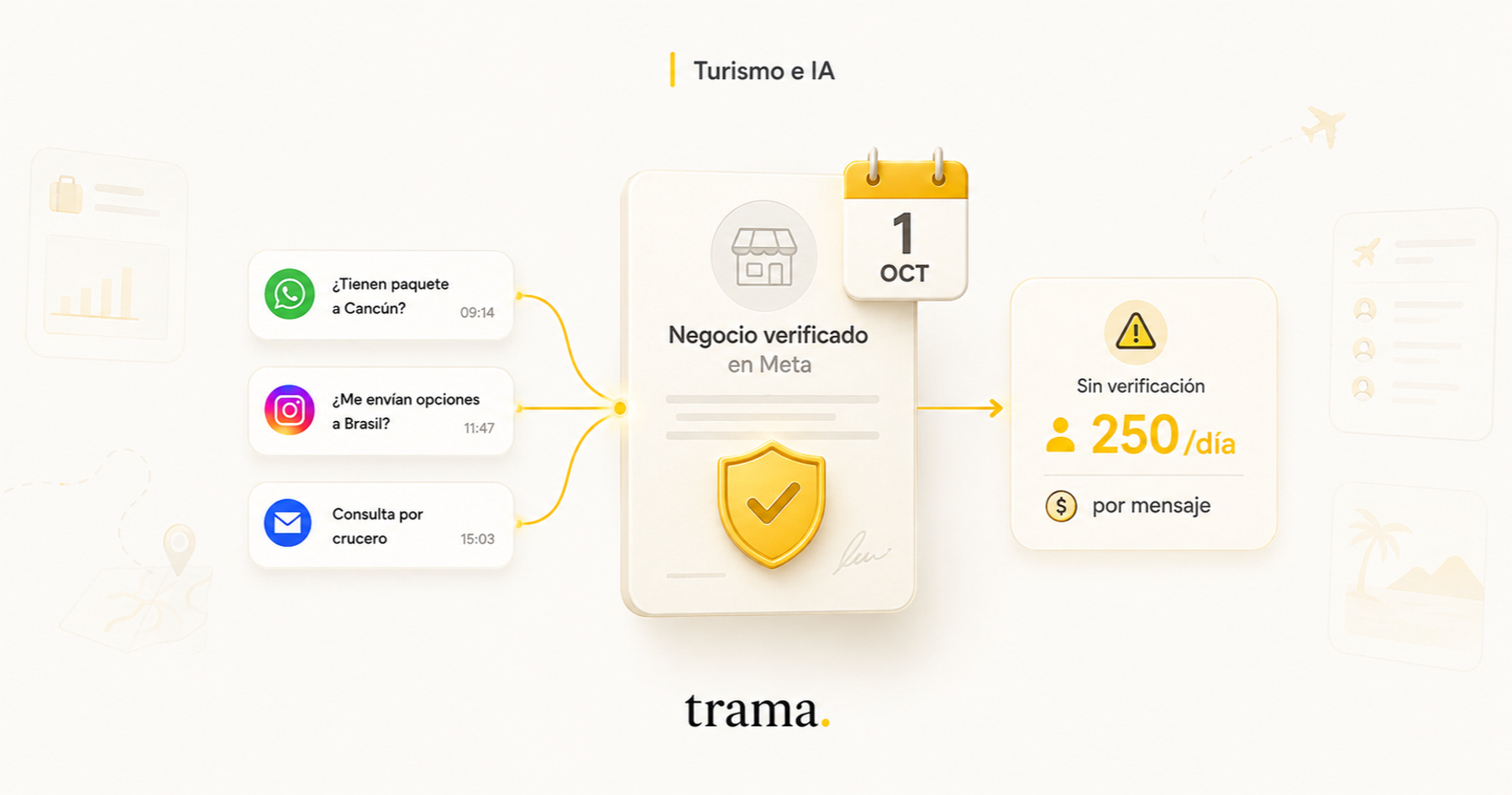
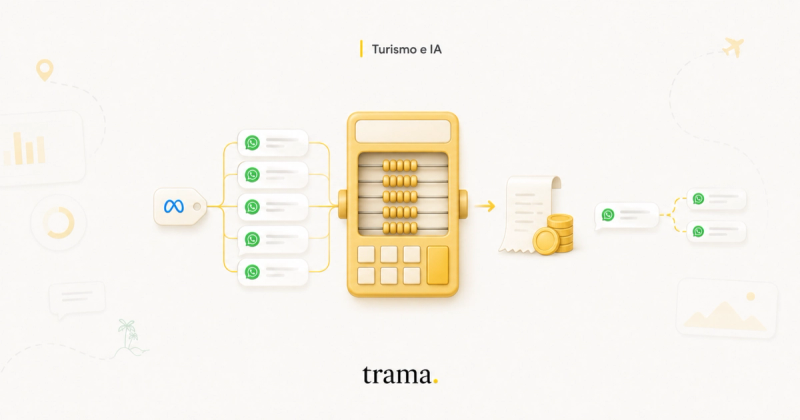
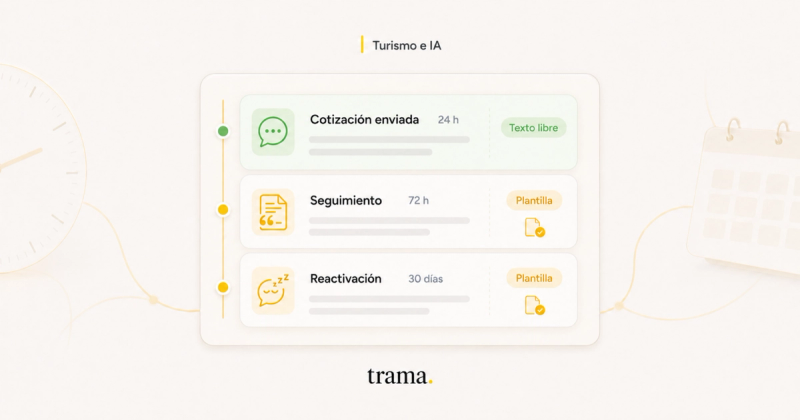
On October 1, the way Meta bills you for WhatsApp changes. Today, when a client messages you, a 24-hour window opens and everything you reply inside that window is free. From October, every reply is charged.
An inquiry about a package to Cancun doesn't get resolved in one message. It takes eight, ten, twelve. Dates, hotels, whether the flight has a layover, whether the six-year-old pays, how the deposit works, whether you take installments. Every one of those messages now has a price.
And here's the part almost nobody is looking at. If your business isn't verified with Meta, you arrive in October with the worst possible combination: paying per message and capped on how many people you can reach.
Two clarifications up front, because both circulate wrong. Meta has set no deadline to verify your business: nothing closes on October 1. And verifying doesn't make you pay less per message either. These are two separate changes that meet in the same week: one raises your bill, the other decides what ceiling you face it with.
What changes on October 1
Until now Meta charged per conversation opened with a template. Free-form replies inside the 24-hour window cost nothing, and neither did utility templates sent inside that window: they've been free since July 2025. It made no difference whether a salesperson typed the reply or an automated assistant did.
From October 1 that ends. Every reply inside the window is charged per message, no matter who sends it. And the utility templates you send inside that window, like a booking confirmation or a payment notice, go back to being billed.
The rate isn't a new number, and that works in your favor: a service message will cost the same as a utility template to the same country. Which means you can estimate your October today, without waiting for anything, by looking up the utility rate for your market on Meta's pricing page. The final country-by-country numbers get published by September 1 at the latest.
And one detail worth keeping in mind if you handle volume: service messages get no volume discount. Utility and authentication templates get cheaper as you climb monthly tiers. Replies inside the window don't: you pay the same for the ten-thousandth as for the first.
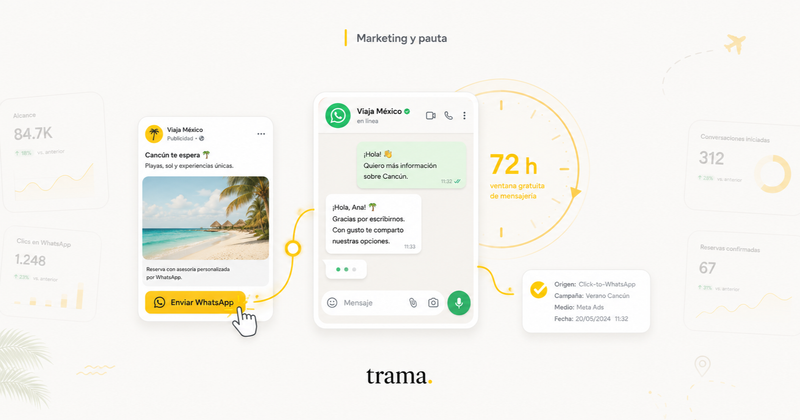
What stays free is the 72-hour window that opens when someone messages you from an ad that goes straight to chat. Nothing is charged in there, not even after October. Two conditions almost nobody reads: it has to be a genuine click-to-WhatsApp ad, and you have to reply within the first 24 hours for the 72-hour window to open at all. If you run paid social, that detail is worth money, and how to make that spend bring you people who buy is in your Meta ads are optimizing for the wrong metric.
| Message type | Through September 30 | From October 1 |
|---|---|---|
| Free-form reply inside the 24h window | Free | Charged per message, at the country's utility rate |
| Utility template inside the 24h window | Free | Charged per message |
| Utility template outside the window | Charged | Charged, unchanged |
| Marketing template | Charged, the highest rate | Charged, the highest rate |
| Messages inside the 72h window from a click-to-WhatsApp ad | Free | Free, unchanged |
| Messages the client sends you | Not charged | Not charged |
| Volume discount | Utility and authentication only | Utility and authentication only |
Categories and conditions per the WhatsApp Business Platform pricing documentation. Country rates are published by Meta no later than September 1, 2026.
The cost stopped being about opening the conversation. It's now about how many messages it takes you to close it.
What staying unverified costs you
Let's start with what gets confused most: business verification is free, and it's a separate process from signing up for WhatsApp. It isn't a subscription, it isn't the checkmark, and nobody charges you for it. You can operate unverified; plenty of agencies do and never notice. The problem shows up when you want to grow.
Without a verified business you have a ceiling: you can message 250 different clients every 24 hours. Sounds like plenty until a Travel Sale week arrives. And it's worth reading carefully what that cap counts: only the conversations you start. Replying to whoever wrote to you first is unlimited and doesn't draw from it.
You're also stuck with two phone numbers, maximum, across the whole account. If you want to add the inbound operator's line, split sales from post-sales and give the branch its own number, you don't fit. With the business verified that cap goes to twenty.
Then there's the elevator. A verified account moves up tiers on its own as long as it keeps quality high: a thousand clients a day, then ten thousand, then a hundred thousand, then no cap. Unverified, that elevator never starts, no matter how much volume and how much quality you have.
The green checkmark doesn't exist without prior verification either. It isn't the most important thing, but for an agency that gets paid up front, letting the client see there's a real company on the other side isn't a cosmetic detail.
| Account limit | Unverified | Business verified |
|---|---|---|
| Different customers per day you can message first | 250, fixed | 1,000, rising to 10,000, 100,000 and no cap based on quality and volume |
| Phone numbers on the account | 2 | Up to 20 |
| Green checkmark | Can't even apply | Can apply, not guaranteed |
| Cost of the process | — | Free |
| Price per message | Your country's rate | The same: verifying doesn't make messages cheaper |
Messaging and phone-number limits per the WhatsApp Business Platform documentation. The green checkmark is requested separately and granted on public-notability criteria.
And there's one front where not verifying is already costing you inquiries today, without waiting for October: Brazil. Since Meta restricted who can start conversations with Brazilian numbers, unverified accounts are the first to land on the wrong side of the filter. We covered it in full in Meta changed WhatsApp for Brazil and almost no travel agency noticed.
The process, step by step
It's done from Meta Business Manager, under Business Settings, Security Center. It has to be started by someone with full control of the account: a user added as an employee doesn't see the button.
How to verify your business with Meta
- 1
Pick the right use case
Meta asks you to choose why you're verifying. If all you want is to unlock your WhatsApp account, pick the option about setting up a WhatsApp Business account. The other one, developer permissions, routes your request into a longer circuit you don't need.
- 2
Write the exact legal name
This is reason number one for rejection, and it's almost never a missing document. It's a single letter. The name entered in Meta has to match the document character for character: periods, capitals and the entity-type suffix included. Same with the address, abbreviating nothing.
- 3
Upload two documents, not one
Meta needs two data points: your legal name and, on top of that, your address or your phone. A document that only proves the name comes back rejected as insufficient. Upload one that proves the company exists and another that proves where it operates.
- 4
Align your website before submitting
The reviewer visits your site to cross-check. If the footer doesn't carry the legal name, the address and a phone number, they can't confirm anything. Add a contact page and terms too. If your site was just published, give it a week before you submit.
- 5
Tidy up the account
Two-factor authentication on for every admin, at least two people in that role, and an email on your own domain instead of a free mailbox. Remove people from other companies from your portfolio: if you have a media agency working with you, they go in as a partner, not as a user.
- 6
Submit and wait without touching anything
The answer takes between three and fourteen business days. In the meantime don't edit the name or the address you entered, because it restarts the review.
Which documents actually work
Meta accepts five document types, and none of them is an invoice you issued. Certificate of incorporation, business registration or license, a tax document issued by the revenue authority, a bank statement for the company account, and a utility bill.
That last one, the electricity or gas bill, only works to prove address or phone. It does not prove the legal name. It's a mistake that gets repeated a lot and burns an attempt for nothing.
If your company is registered in Argentina, the tax authority's registration certificate solves almost everything: it carries the legal name, the taxpayer number and the fiscal address on a single official page. In Mexico the constancia de situación fiscal plays that role. In Peru, the taxpayer registry record. In Colombia, the chamber of commerce's certificate of existence and legal representation.
Formatting rules that look obvious and sink applications every day. The document goes in color, complete, uncropped and with nothing masked. Don't black out the account number on the statement: any edit, even a tidy one, reads as a tampered document. No crooked phone photos taken over your desk.
And it has to be current. A bank statement from eight months ago reads as a stale document and comes back rejected.
If they reject you, and they probably will
Rejection is a normal part of the process, not a verdict. What does hurt is the typical reaction: fix it in a hurry and resubmit the same day.
Retrying fast three or four times flags the account for unusual activity and makes things worse. The way out is to request a review from the Security Center, attaching a written explanation of which document proves which data point. That route resolves in three to five days and gets approved more often than a third blind attempt.
We walk through this process with every agency that starts on Trama, and the pattern repeats to the point of boredom: the vast majority of the rejections we saw came down to one line, the legal name. That needs no tooling at all. Sit down for ten minutes with the incorporation document next to the screen and compare letter by letter.
What arriving late costs
Put numbers on your own operation, and count correctly: only what leaves your side is billed. Messages the client sends cost nothing, however many times they write.
Our own number, measured in production: a travel opportunity consumes five outbound messages at the median to get qualified and handed to a salesperson, and each reply goes out split into 1.24 messages, because that's how people write on WhatsApp. An agency with 400 inquiries a month is sending on the order of 2,000 outbound messages just to qualify them, before anything that comes after. Through September 30, the vast majority cost nothing. From October 1, all of them have a price. The full math, with country rates, is in what WhatsApp Business API costs for a travel agency and in the calculator on our pricing page.
That's where the only real lever comes from, because you don't negotiate the rate with anyone: how many messages it takes you to get the five data points you need to quote. Getting there in three instead of nine pays a third. It's exactly the same work that makes you sell more, and we wrote it up separately in how to sell more trips on WhatsApp.
Review your templates before October too. One that Meta reclassifies from utility to marketing costs considerably more, and from now on you'll pay it inside the window as well. How to word them so it doesn't happen, in the messages a travel agency actually sends on WhatsApp.
Now add the ceiling. If you also arrive unverified, in the busiest week of the year you'll be paying per message and stuck at 250 clients a day. It's the worst of the two combinations.
And the process doesn't get done in an afternoon. Between gathering the documents, submitting, waiting for the answer and possibly appealing, budget three weeks with room to spare. Starting in September gets you there. Starting on October 1 doesn't.
Questions we always get
Is business verification the same as the green checkmark?
No, and it isn't the same as Meta Verified either, which is a paid subscription. Business verification is free, confirms your company legally exists, and is an operational requirement. The green checkmark is a brand badge you request separately and that's granted on public-notability criteria. Without business verification you can't aspire to the checkmark, but having it doesn't guarantee you one.
Does verifying make me pay less per message?
No, and it's worth knowing before October. The rate is set by Meta per country and per message category, and it's the same for a verified account as for an unverified one. What verification changes is how many people you can reach and how many numbers you can have. What lowers the bill is something else: needing fewer messages to qualify each inquiry.
Can I verify without an incorporated company?
It depends on the country and the type of registration. Meta requires an entity registered with the local authority. In several countries in the region, registering as a sole trader with commercial activity is enough, as long as the tax document shows name and address. If you have no formal registration at all, there's no way to verify.
How long does verification take?
Between three and fourteen business days from submission. If you're rejected and request a review, add three to five days more. That's why it pays to start several weeks ahead of the season.
Can I keep operating while I wait for an answer?
Yes. The account works normally, with the cap of 250 unique clients every 24 hours and a maximum of two registered numbers. Every messaging feature works the same: what changes is the volume of people you can reach.
Does a utility bill in the owner's name rather than the company's work?
No. The document has to be in the name of the legal entity you entered in Meta. If you work from home or from a shared space, the natural replacement is the company's bank statement, which does carry the legal name and the address.
What if my agency trades under a name different from its legal one?
Always enter the legal name, not the commercial one. The trading name comes later, in the display name of your WhatsApp account, which is a separate process and does accept the brand your clients know you by.
What if I let Meta's own assistant reply? Is that free?
No. Replies from Meta's own assistant are billed by token since August 1, 2026, at a global rate, instead of per message. It's a different billing model, not an exemption: inside the 24-hour window you'll pay one way or the other.
Open Business Manager and check one single thing: whether the name on your account matches, letter for letter, the one on your incorporation document. It literally takes a minute.
If it doesn't match, you now know why they keep rejecting you. And if you've never looked, you've got the first task of the week.

Yaco Peralta
Co-founder & CEO, trama.
Construyendo trama. para que las agencias de viajes vuelvan a tener foco en la asesoría humana.
More posts by Yaco Peralta