Agent replies
How the agent replies — audio, paperwork, itinerary — and what it does when the customer stops answering.
The Replies tab in Automations defines how the agent replies, and what it does when the customer stops answering.
This tab is about the Inquiry Agent, so it only does anything from Starter on — see Plans. Routing, reminders and the lifecycle work on every plan.
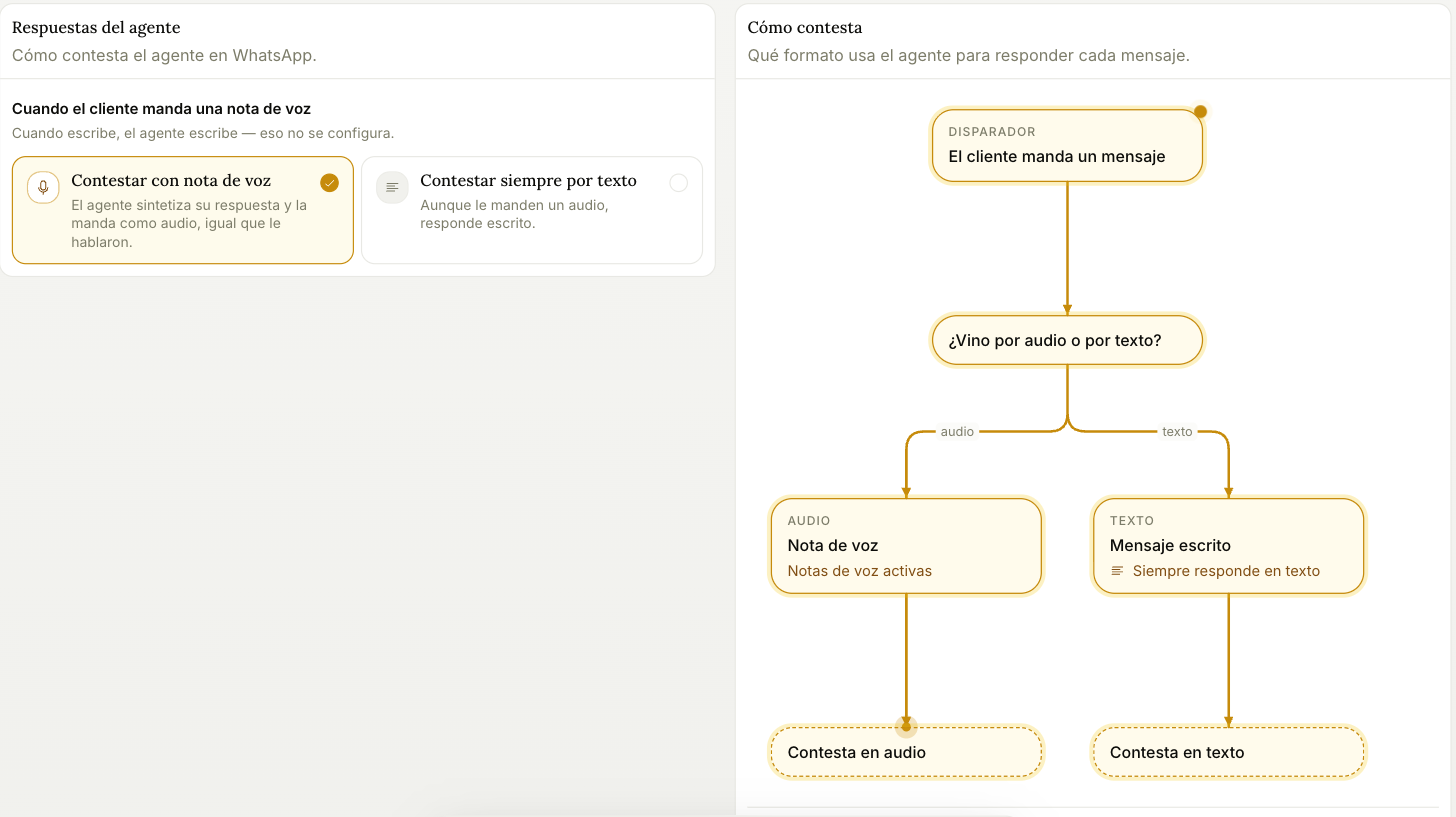
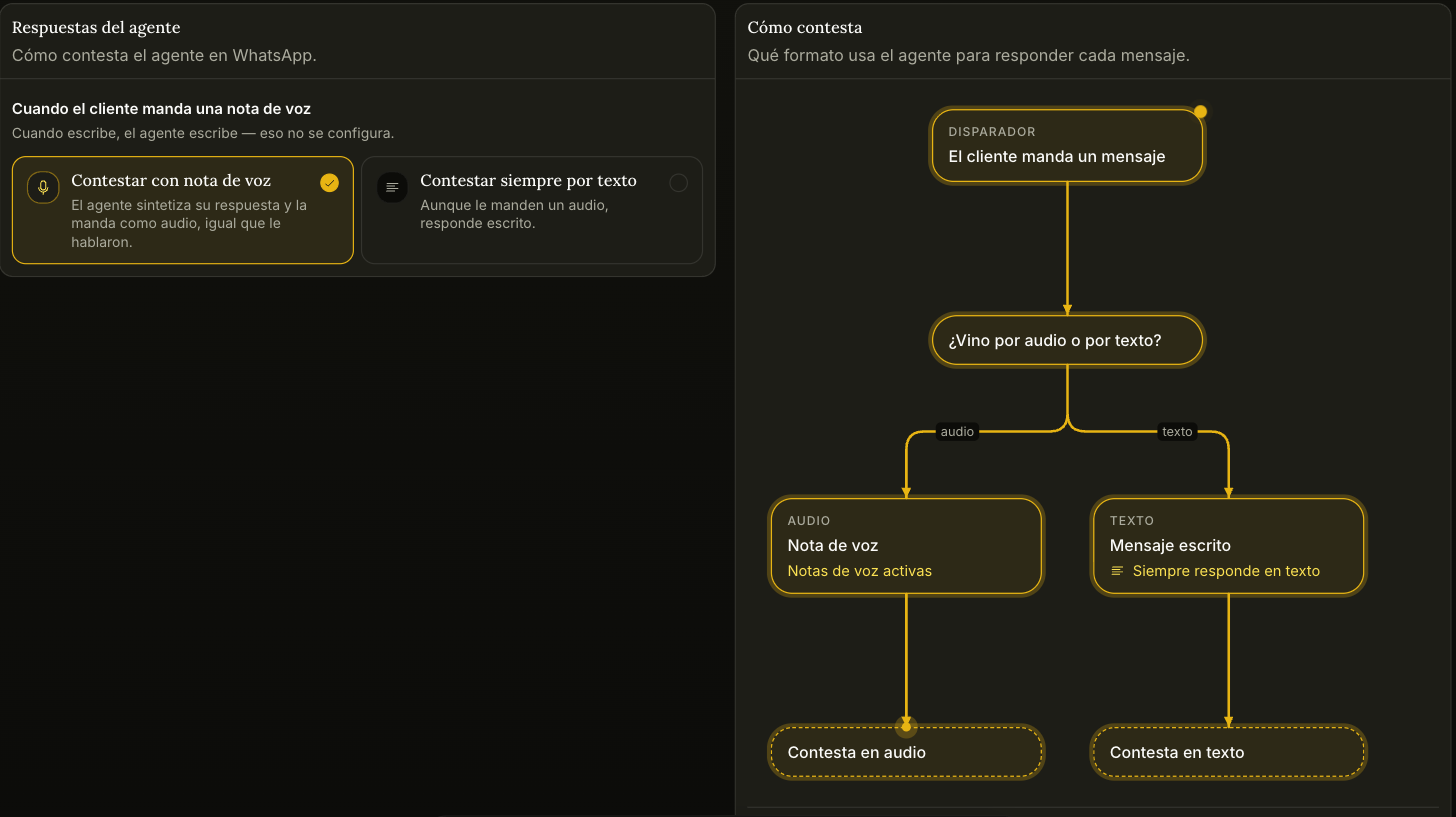
When the customer sends a voice note
- Reply with voice notes — the agent synthesizes its answer and sends it as audio, matching how it was spoken to. The voice is the one you set under Identity in the agent's configuration.
- Always reply in text — even if they send audio, the answer comes back written.
When the customer writes, the agent writes. That half isn't configurable.
Who confirms the customer's paperwork
It decides what the agent answers when a customer asks what they need to enter a destination: visas, passports, vaccines. There are three answers:
- Your team. The agent gives no requirements and doesn't point to the consulate: it tells the customer your team confirms the paperwork and keeps selling the trip. If someone on your team already answered in writing, the agent passes that answer on, and your agency owns it.
- Your business, as a requirement. The agent states firmly what you require to travel, for example «for the United States we ask for the visa», without pointing to the consulate.
- The consulate. The agent gives the general requirement and tells the customer to confirm it with the consulate or with your team.
In all three the agent doesn't explain how to obtain a document. If you never picked an option, the agent follows what your rules say («Don't talk about visas», «state the requirement firmly»); with no rule on the topic, it follows the consulate one.
Flyer or itinerary
It lets the agent send the flyer or the itinerary as a file. The file is the one you load on each product in the Catalogue, under "Material for the customer", and that's also where you choose when it goes out: only when the customer asks for it, also when the inquiry is handed off, or with the reply to whoever writes from the product's ad. In that last case the agent presents the product in two or three lines and doesn't transcribe what the flyer already says.
Switched off, or with no file loaded, the agent describes it in writing.
When a conversation goes quiet without closing
If the customer stops answering, the agent can write to them once to pick things back up.
- It goes out only once per conversation, and only while WhatsApp still allows writing (24 hours from the customer's last message).
- If a sales rep has already taken the conversation, it doesn't go out.
- The agent writes the text from what they were talking about. It isn't configurable.
Two settings limit when that message can go out:
| Setting | What it does |
|---|---|
| No sooner than | A minimum wait. The message goes out at whichever takes longer: that minimum, or the delay Trama measures in each conversation |
| Only between | The time window in which it can go out, in your business's time. Whatever comes due outside the window waits until the next day |
We're rolling this feature out gradually: even if you leave it on, it may not go out on your account yet.