Customers
The book that fills itself: what Trama infers about each person, the tags it writes on its own, and what happens when the same person appears twice.
Every person who wrote to you ends up here, with everything the agent picked up along the way. You don't load this — it loads itself.
What we know
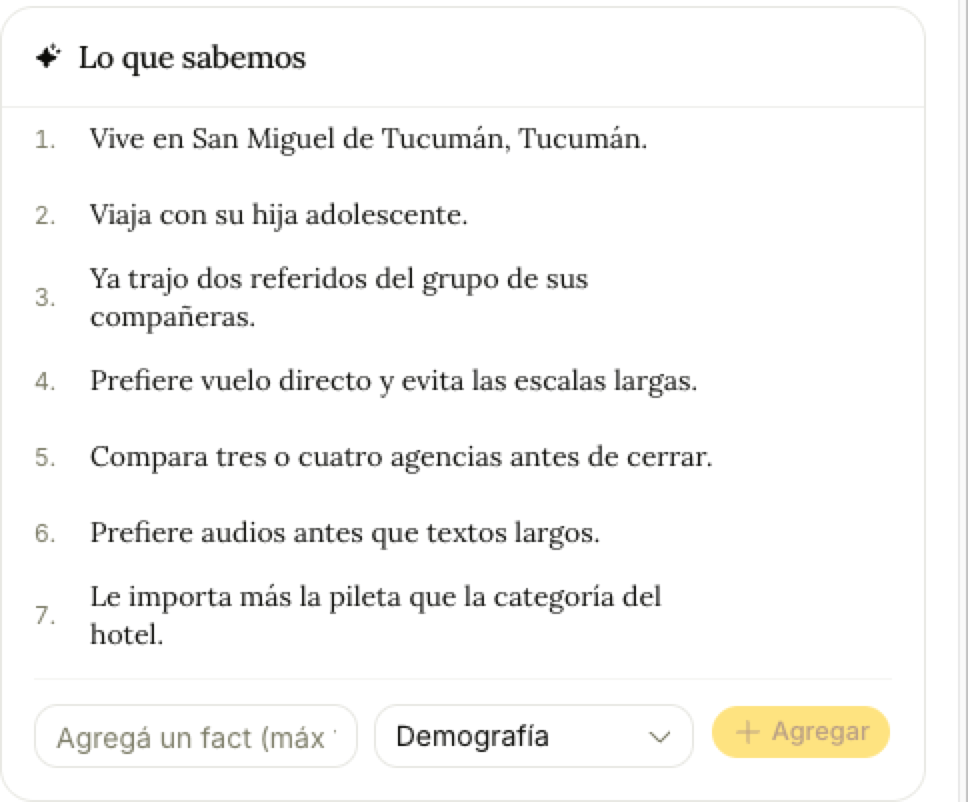
This is the best part of the section, and it's easy to miss. Trama reads the conversations and writes down what it learned as separate facts: "Travels with her teenage daughter", "Compares three or four options before closing", "Prefers voice notes over long texts", "Cares more about the pool than the hotel's star rating".
They're not a summary paragraph — each one stands alone, so you can delete the one that's wrong without losing the rest. You can add your own too, tagged by category.
Read together, they're a sales briefing. Someone who compares four options and prefers voice notes needs a different follow-up than someone who books on the spot.
Tags
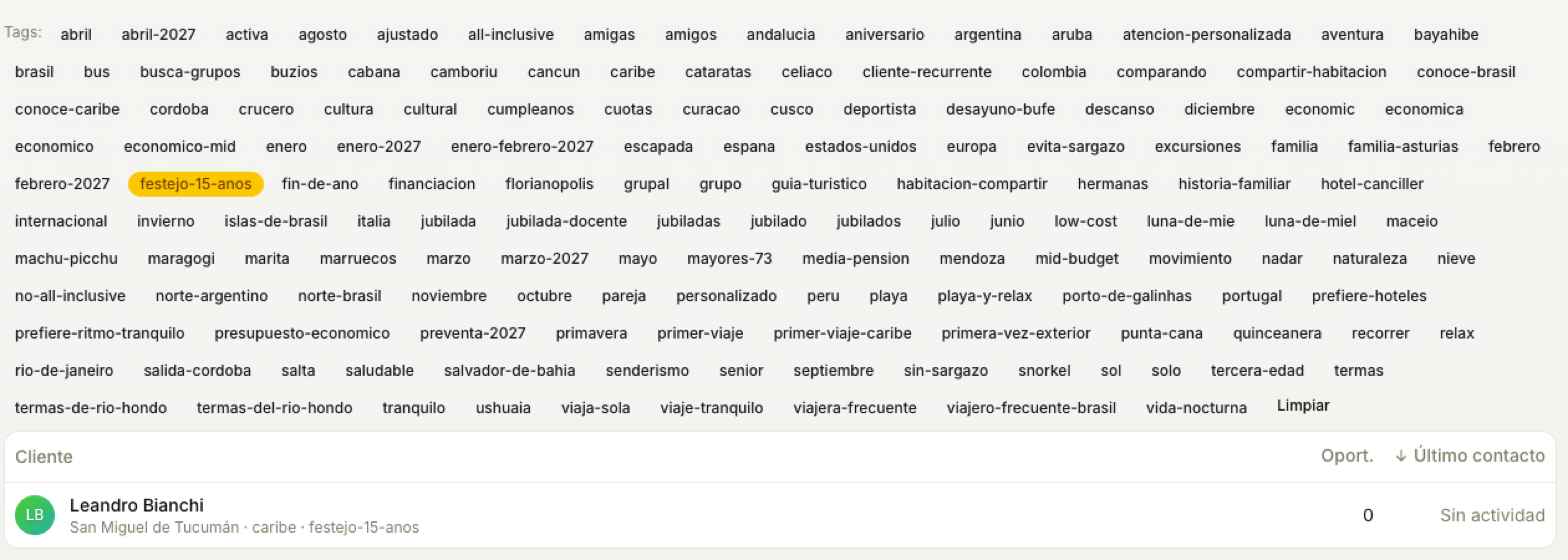
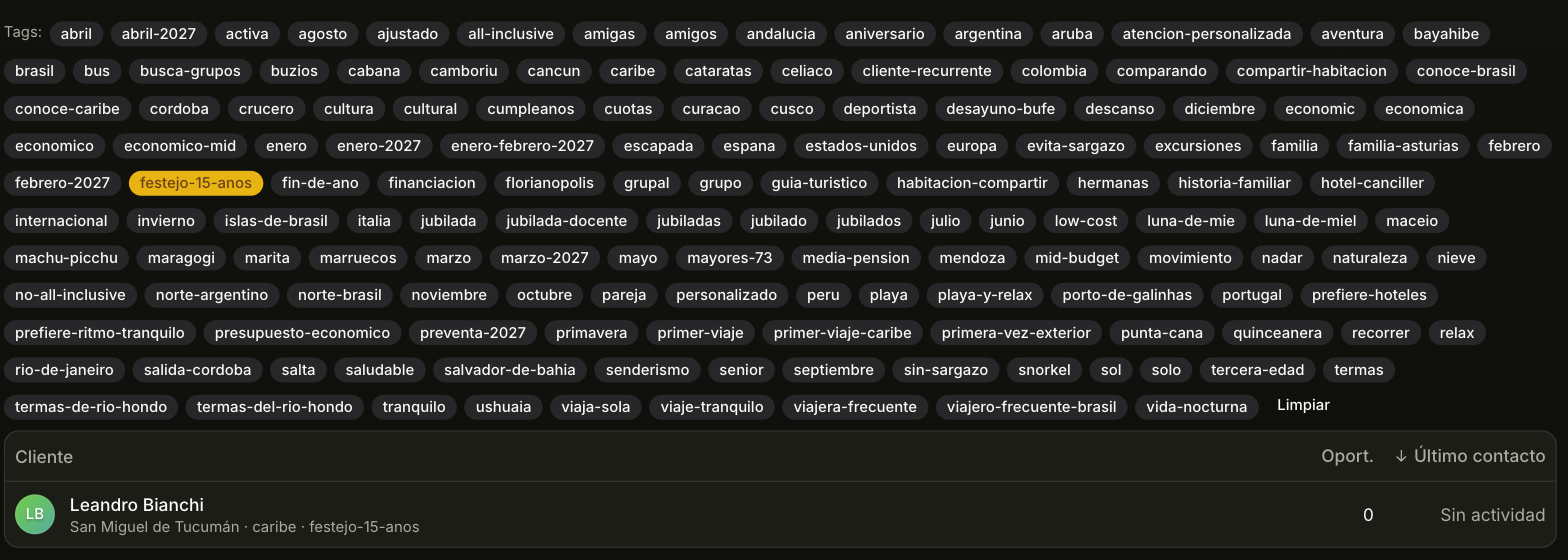
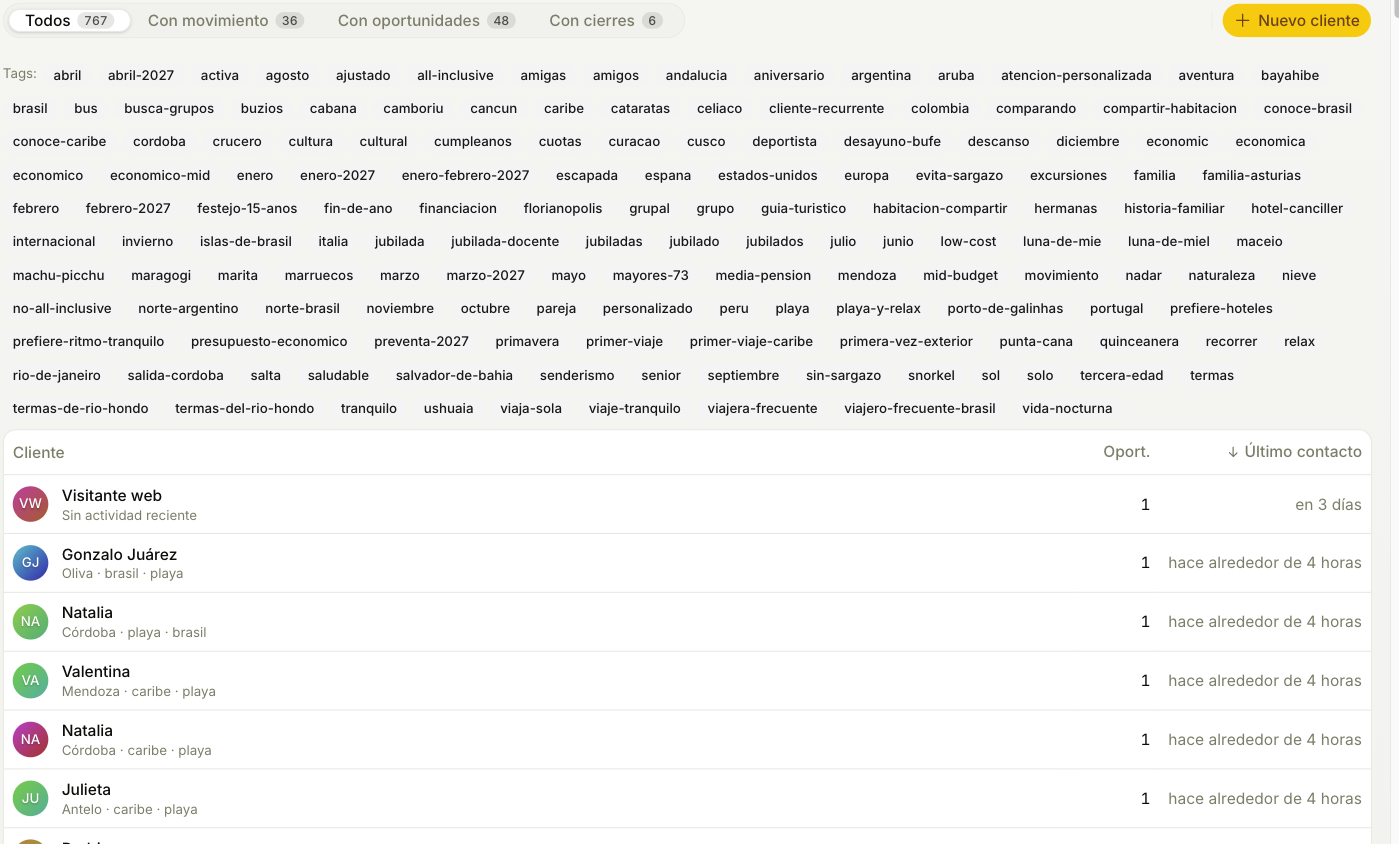
The agent writes tags as it talks: occasion (honeymoon, anniversary), trip type (beach, snow), destinations of interest (caribbean), and preferences (all-inclusive, low-cost). Only what the customer said or what's clearly implied.
They're normalized on the way in — lowercase, no accents, hyphens instead of spaces — which is why you see 15th-birthday and not 15th Birthday. That's what makes them work as filters.
Click any tag above the table to filter by it. You can also edit tags by hand on the customer's record, and add ones the agent would never infer.
The record
Personal details, location, channels the customer wrote from (on each WhatsApp number, «Open in WhatsApp» takes you to the chat in a new tab), the history of every opportunity they've had, and how they first reached you. If they came from a Meta ad, «Origin» shows the ad the way they saw it: the image, the text and, if you have Meta Ads connected, the campaign.
Also who owns them, assigned automatically to the rep who takes their first opportunity. It isn't just a label: it's what decides who can see this customer — it's explained in Policies.
The customer number
Every customer has their own number, like No. 1042, at the top of the record next to the status. It counts up within your business, starts at 1 and never changes: it's the one you use to name a customer to an operator, on an invoice or over the phone.
To find them, type the number in the search box, with or without «No.». It finds them in Customers and on the Opportunities board, and it's the same number as the Customer no. column of the Excel backup (Export backup).
When the same person appears twice
It happens constantly: they write from WhatsApp, then fill in the web form, then a colleague loads them by hand.
Trama merges them on its own only when there's a shared verifiable identifier — the same phone, the same email, the same verified identity. Never by name: too many real, different people share one.
When it isn't sure, it doesn't decide. It proposes: a "Possible duplicates" list where you compare both records side by side and choose. You can also merge two by hand from the record itself.
Merging loses nothing and deletes nothing. Conversations, opportunities and history all move to the surviving record, the tags of both are combined rather than replaced, and you can undo it for 30 days. The surviving record keeps its number; the other one's number is never given to anyone else.
Bring your book from another CRM
If you come from Kommo, HubSpot, Pipedrive or a spreadsheet, the Import button in Customers loads your customers, and their opportunities if you want, from a CSV or Excel file. It's explained in Move from another CRM.
Messages
Where every inquiry lands: how the tabs are divided, how you reply, why the agent sometimes doesn't answer, and what the thumbs do.
Move from another CRM
Bring your customers and opportunities from Kommo, HubSpot, Pipedrive or a spreadsheet, without duplicating anyone and without sending a single message.