Lifecycle
When an opportunity stops taking up space on the board — and why nothing is ever deleted.
A board where nothing ever leaves stops being useful. Automations → Lifecycle decides when an opportunity steps aside — and where it goes, which is not the same for every case.
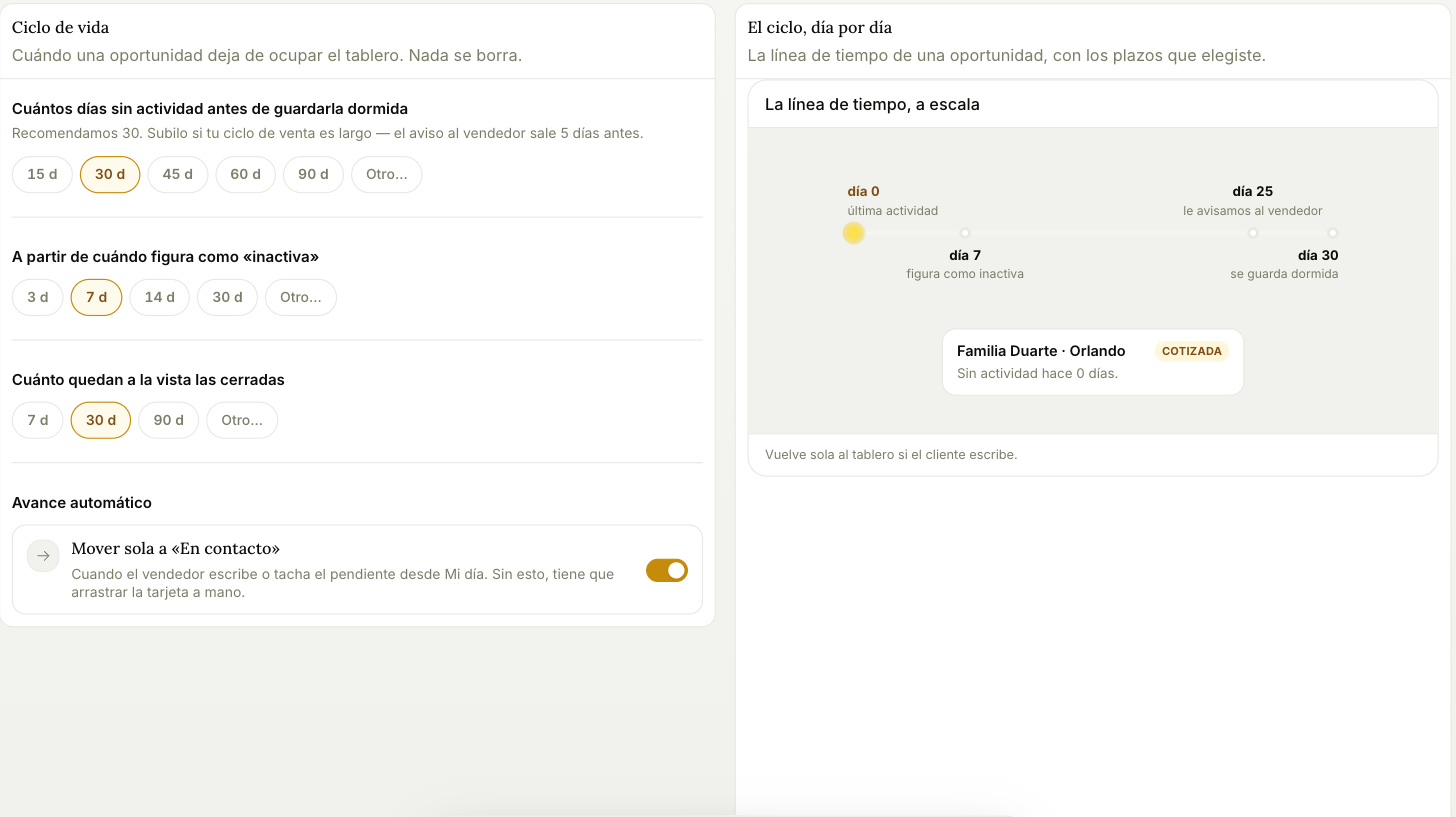
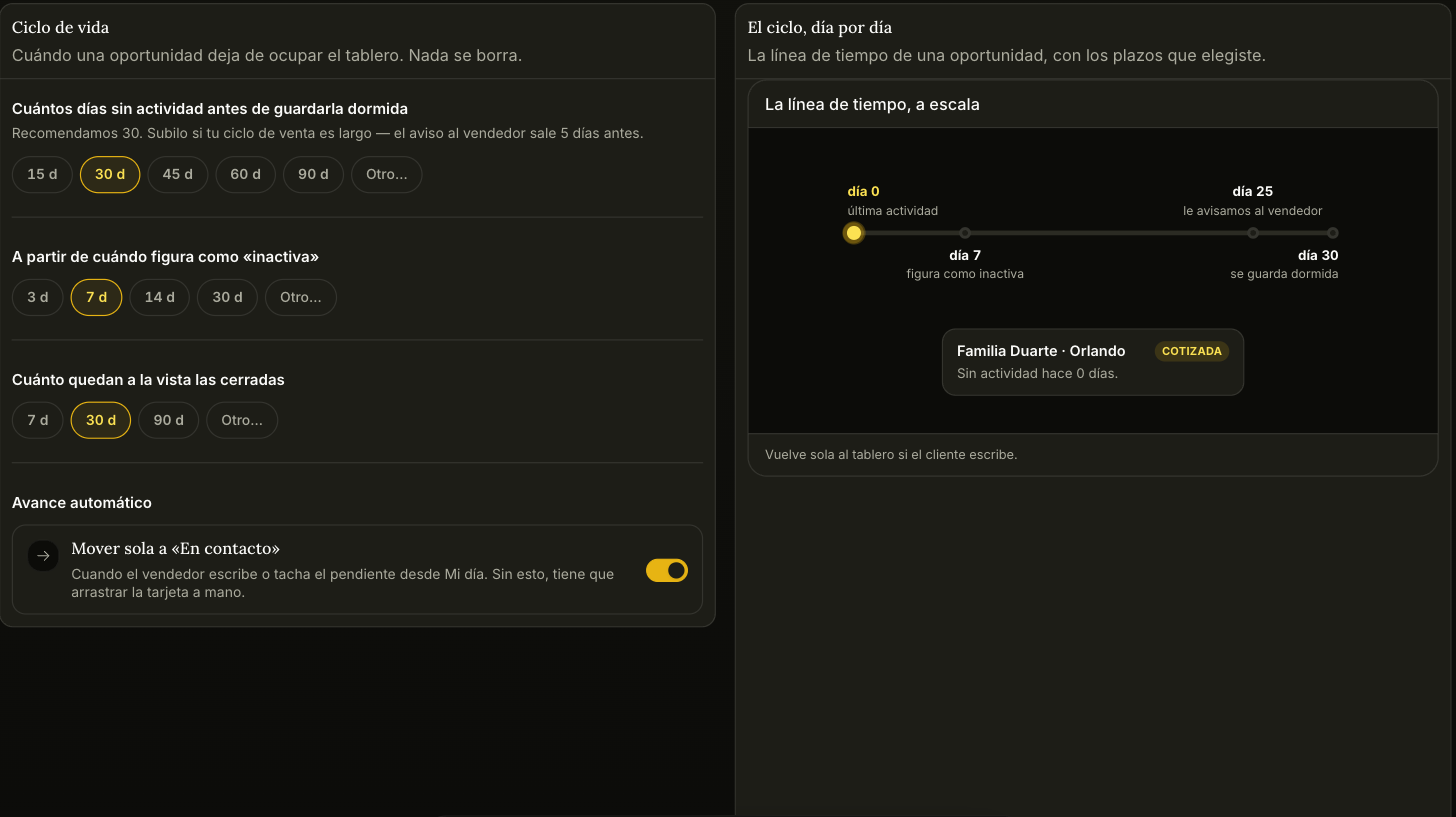
The timeline on the right is drawn to scale with the deadlines you pick, which makes it easy to see whether they're actually spaced the way you meant.
The three deadlines
Days without activity before it's put to sleep — 30 by default. Raise it if your sales cycle is long. The rep gets warned five days before, so at 30 days the warning lands on day 25.
When it starts showing as "inactive" — 7 days by default. Inactive is a label on a card that's still on the board; asleep is off the board. Two different things.
How long closed ones stay visible — 30 days by default, for both won and lost.
Automatic advance
Move to "In contact" on its own is on by default: when the rep writes to the customer, or ticks the reminder off in My day, the card moves by itself. Turn it off and somebody has to drag every card by hand — which in practice means the board drifts out of sync with reality.
Where they end up
Opportunities that leave the board go to Opportunities → Out of funnel, split into three buckets that behave differently:
- Unqualified — the agent is still talking to them but there's no real intent yet. Each row states what's missing ("no dates, has passenger count"). They enter the pipeline on their own once it's there, or you move them with Move to pipeline: it asks for one line on why it's valid and doesn't use your allowance. They also enter when someone on the team moves them to In contact, Quoted or Won: you tell Tramy the customer paid, or Radar sees your seller wrote to them. Those don't use your allowance either.
- No reply — they went quiet on their own for lack of movement. Stored whole, and they come back to the pipeline by themselves the moment the customer writes. There's a Reactivate button if you don't want to wait.
- Archived — somebody on the team discarded them on purpose, with a reason attached.
Archived is the one exception to "nothing gets deleted": archived opportunities are permanently deleted after 30 days. Until then you can restore them with Move to pipeline, and the row tells you exactly how long is left ("deleted in 11 days"). If an archived opportunity was never qualified, restoring it asks for the same justification. Asleep opportunities, on the other hand, are never deleted.