Lead routing
Three decisions that determine which sales rep gets a new inquiry, and the diagram that shows the path they produce.
When a new inquiry comes in, somebody has to get it. Automations → Routing is where you decide who, in three steps that run in order.
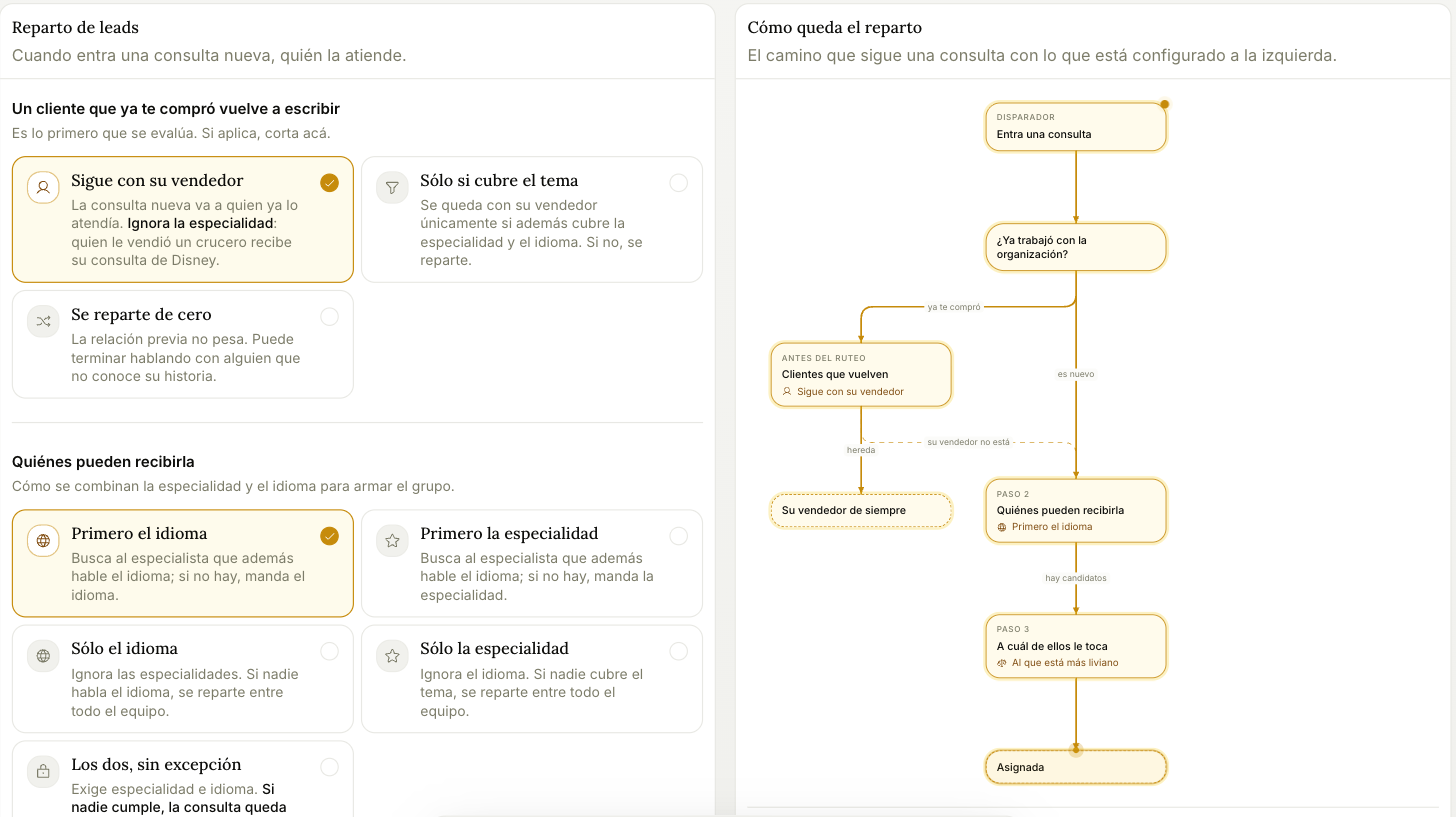
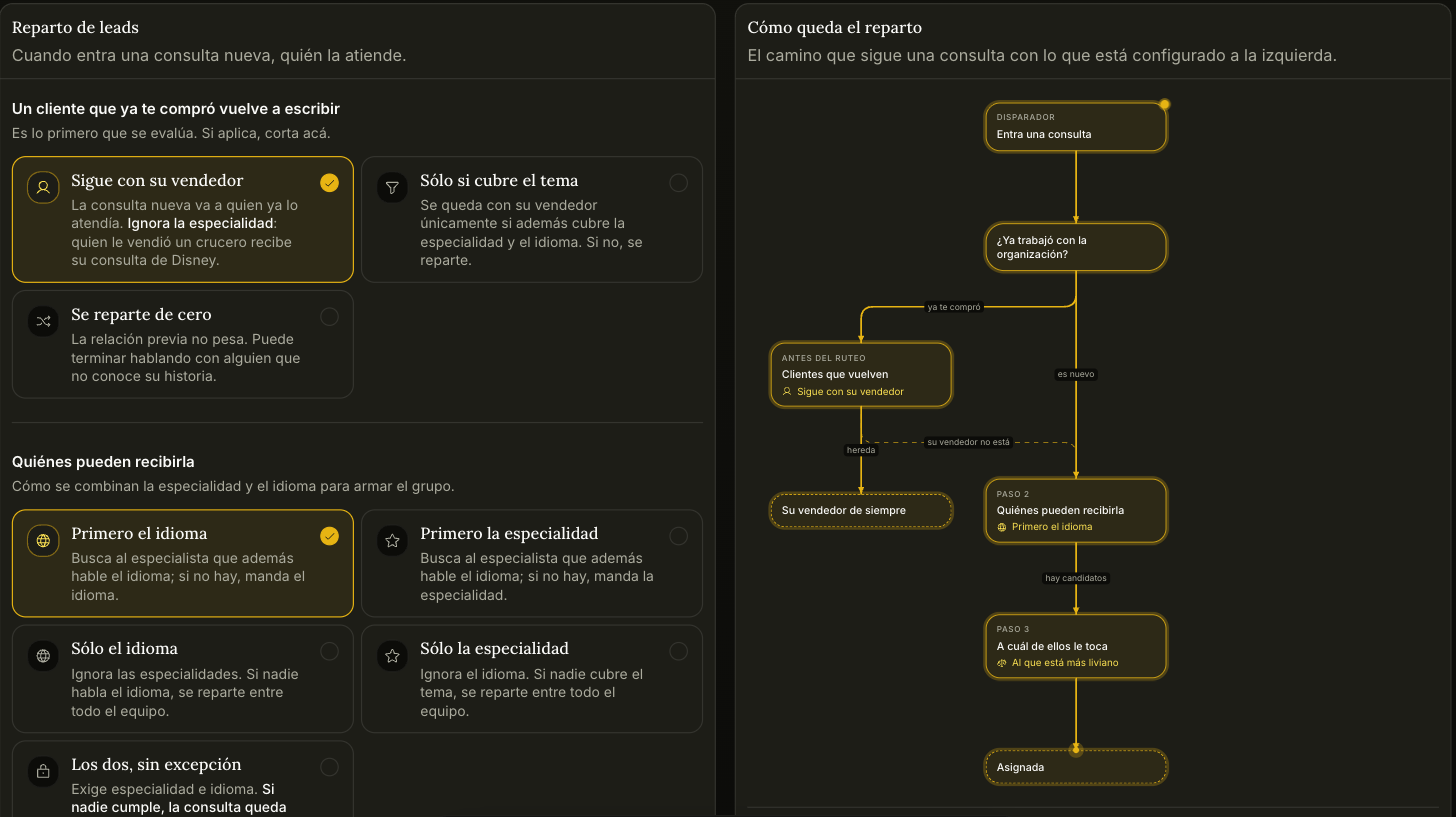
The panel on the right isn't an illustration — it's the path your current settings produce. Change an option and the path redraws.
Before those three steps
Two cuts are evaluated first, and if they apply, routing ends there. They only apply on the first assignment: if the inquiry already has a rep, it doesn't move.
- It arrived on a rep's WhatsApp. If the inquiry came in through an Assisted number, the person who operates that number keeps it. The customer wrote to that person, not to the agency. It doesn't matter if they're out of office today: the agent covers those hours and the inquiry stays theirs. They do have to be able to receive assignments.
- The customer asked for someone by name. If they name someone on the team and that person can receive today, the inquiry is theirs. If that person is out of office or can't receive, it gets routed anyway and the reason is recorded.
1. A returning customer writes again
It's the first of the three steps, and if it applies, routing stops here.
- Stays with their rep — the new inquiry goes to whoever handled them before. It ignores specialty: whoever sold them a cruise gets their Disney inquiry too.
- Only if they cover the topic — stays with their rep only if that rep also covers the specialty and the language. Otherwise it goes to the pool.
- Routed from scratch — prior relationship doesn't count. They may end up with someone who doesn't know their history.
2. Who's eligible
How specialty and language combine to form the candidate pool.
| Option | What it does |
|---|---|
| Language first | Looks for a specialist who also speaks the language; if there's none, it prioritizes language |
| Specialty first | Same, the other way round |
| Language only | Ignores specialties. If nobody speaks the language, it goes to the whole team |
| Specialty only | Ignores language. If nobody covers the topic, it goes to the whole team |
| Both, no exceptions | Requires specialty and language. If nobody qualifies, the inquiry stays unassigned |
Each rep's specialties and languages are set in Team.
3. Which one of them gets it
- Whoever's lightest — looks at active load, today's leads, and what they've let go cold. Open quotes count as load.
- Round robin — goes to whoever hasn't received one in longest. Doesn't look at load at all.
Hours can break the tie. If you turn on "Prefer whoever is on shift", among the people who can receive it the one working right then goes first. If nobody is on shift, it still gets assigned: it goes to whoever starts soonest. It ships off. Someone who never set their hours counts as available all the time, and whoever covers more hours gets more inquiries.
If an inquiry ends up unassigned, a process rescues it within the hour. It won't sit there forever — but it will sit there for up to an hour, which is a reason to be careful with "Both, no exceptions".
Move from another CRM
Bring your customers and opportunities from Kommo, HubSpot, Pipedrive or a spreadsheet, without duplicating anyone and without sending a single message.
Reminders
Trama checks the board every hour and nudges the rep when an opportunity has gone quiet. You choose how long quiet means.