Messages
Where every inquiry lands: how the tabs are divided, how you reply, why the agent sometimes doesn't answer, and what the thumbs do.
Messages is the raw material. Every conversation from your channels is here, whole, with the score it earned and why: the ones the agent handled and the ones your team handled.
Just connected a number and can't see your conversations? That's normal. The history doesn't arrive right away and there's no progress bar: it usually shows up within the first hour, and in some cases Meta takes up to a day. In the meantime the list may look empty, or show a single message per chat. There's no need to reconnect.
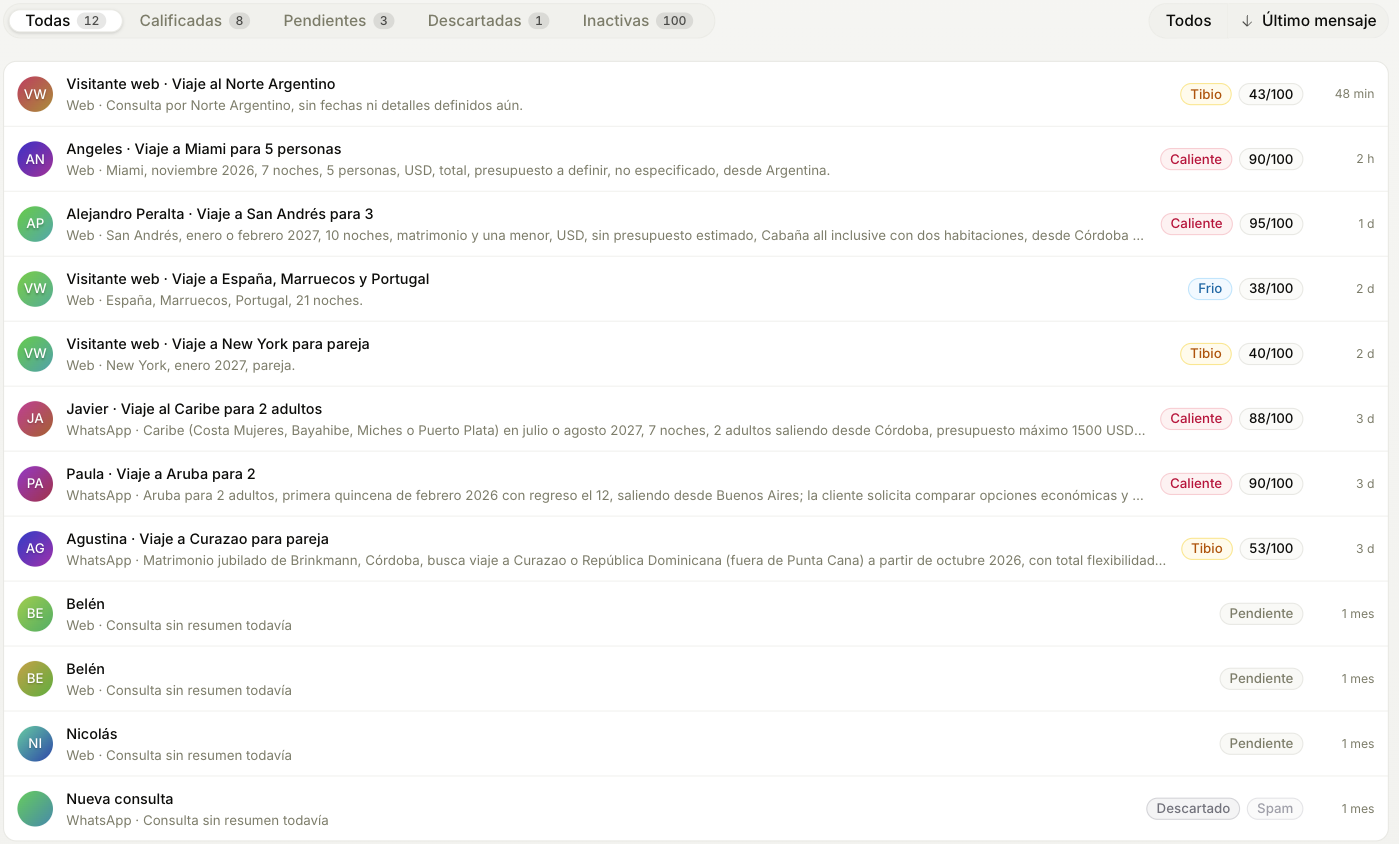
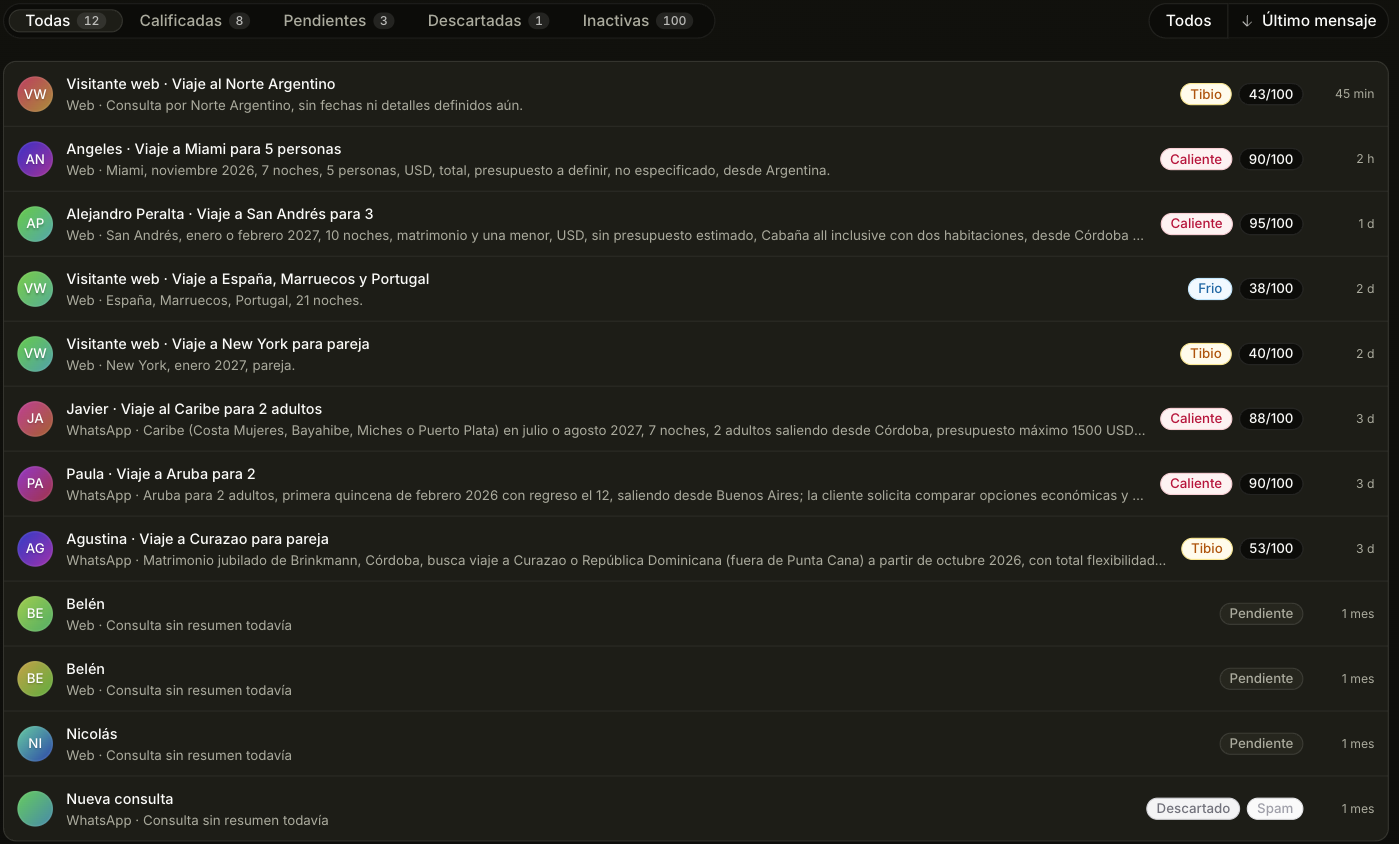
The four tabs
| Tab | What's in it |
|---|---|
| All | The live conversations with customers. Archived ones and internal contacts are not here |
| To handle | The ones in All that need someone on the team: a customer waiting for a reply for more than 10 minutes, an agent reply that failed, an agent that stopped and asks you to reply, a number WhatsApp can't deliver to, or a hot inquiry nobody took |
| Archived | Discarded and gone quiet. The agent only discards for spam and wrong number; a conversation goes quiet after seven days with no activity, or forty-eight hours if it never became an opportunity. It comes back on its own the moment the customer writes |
| Internal | Whatever is not a customer: your team, Trama, suppliers, people offering you services, press, job seekers and personal contacts. If Trama got someone wrong, Move to Customers brings them back, and that decision is never overridden |
Above the list you pick Mine or Whole team. A seller starts on their own —what's assigned to them, what they took and what comes in through their number— and can switch to see their teammates' for context. Whoever runs the team starts on everything.
How to read a row
- The icon is the channel the customer wrote from: WhatsApp, Instagram, Messenger or the web.
- The little face on the icon says who replies: Tramy when the agent replies (the one you picked in Customize, or the Trama logo if you didn't pick one), the photo or initials of the teammate who took the conversation, or the team icon when someone replied from the channel's app.
- Under the name, what the customer wants, in one line.
- The last line is a single state. In red or amber, what needs doing; with nothing to do, the temperature. An inquiry with no temperature yet doesn't show that line.
The Temperature filter cuts by Hot, Warm, Cold or Not rated yet. Not rated yet is not Cold. Cold means "we know things and it's still not going anywhere". Not rated yet means "we don't know anything yet". The number out of 100 that measures how complete the data is lives inside the conversation; the full explanation is in Opportunities.
Inside a conversation
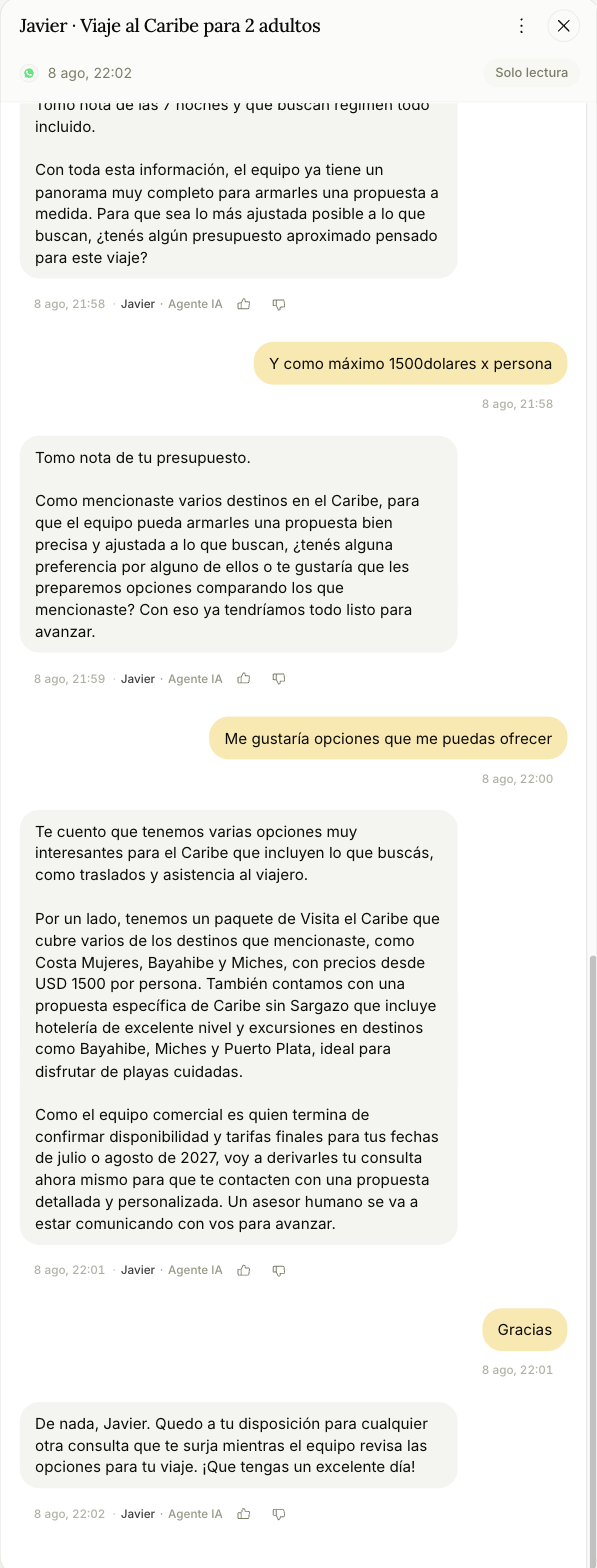
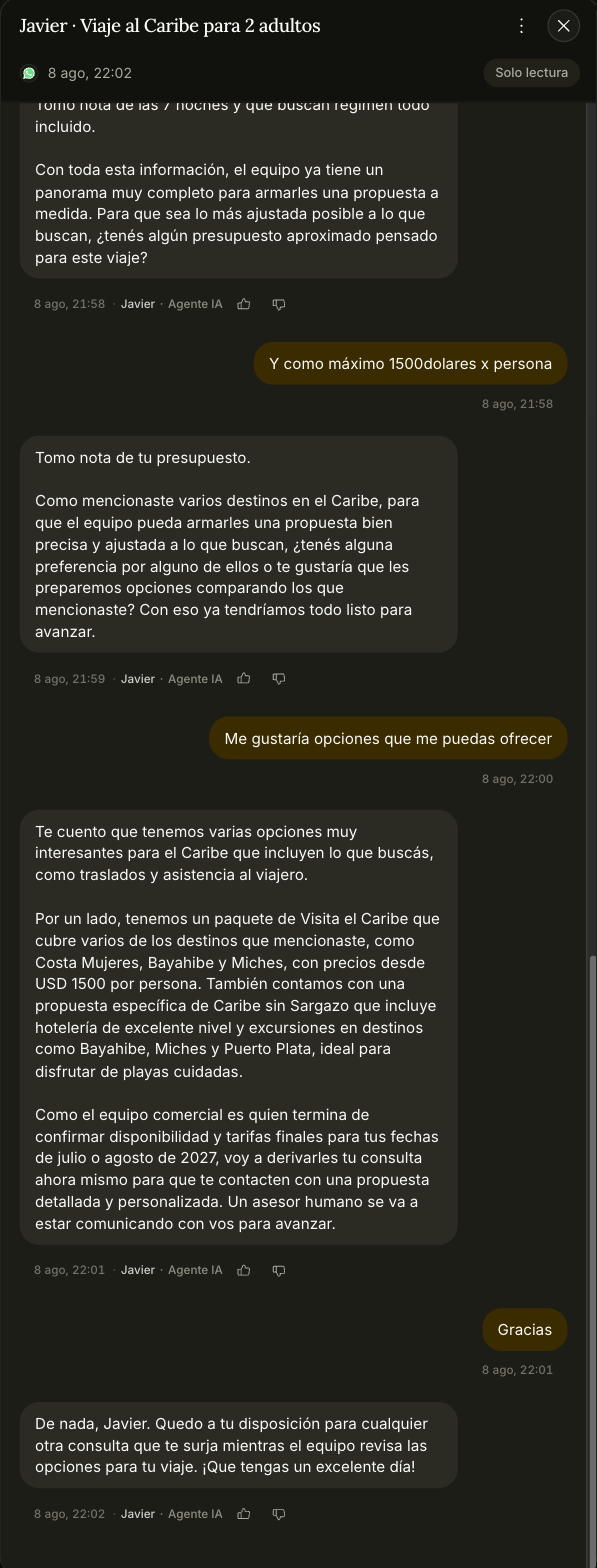
The full thread, with photos, documents, and voice notes transcribed to text so you can read instead of listen.
Which ad they came from
If the person wrote by tapping a Meta ad, the ad shows above that message the way they saw it: the image (tap it to enlarge), the headline, the text and a link to open it. If you have Meta Ads connected, the campaign name shows too. No need to open the WhatsApp Business app to find out what they're asking about.
What you see depends on what Meta sends: an Instagram ad brings the image but not the text, and a video ad shows its cover. The card shows on messages that arrive from now on; earlier ones don't have it.
From here you can do four things:
- Reply to the customer. You write below the thread and it goes out through the same channel they wrote to you on. If you write, the agent stops replying in that conversation.
- Take the opportunity, which assigns it to you, moves it to In contact, and stops the agent from replying in that thread. When the channel allows it, Trama lets the customer know you're taking it from here.
- Rate the agent's replies with 👍 / 👎.
- Hand the conversation back to the agent if a person had taken over.
On the free plan Messages is read-only: you see the conversations, but replying and taking start on Starter.
When you can't reply
- WhatsApp closes the window 24 hours after the customer's last message. The thread shows you how long is left. Past that point you can't write to them from here until they write again.
- On an Assisted number, what you send goes out from that person's WhatsApp, and they see it on their phone.
- Through your website's chat you can't write first.
Why the agent doesn't answer in a conversation
The thread tells you at the top. These are the reasons:
- The inquiry was already handed off to a rep.
- Someone on the team took the conversation, or replied from the channel's app or from their WhatsApp.
- The conversation already existed when you connected the number: in those the agent never steps in.
- An automatic reply was answering on the other side, and the agent stopped so it wouldn't end up talking to another bot.
- The contact is marked so that the agent doesn't step in.
The agent doesn't come back on its own: you hand the conversation back from the thread. The only exception is when 14 days pass with no reply from the team and the customer writes again; then it picks up so they aren't left without an answer. While it's paused it keeps reading, so the opportunity and the customer's details are updated all the same.
What the thumbs actually do
Only the agent's messages can be rated — not what a person wrote by hand.
👎 opens a short dialog asking how bad it was and what went wrong. That comment is the valuable part.
Your feedback doesn't retrain your agent by itself. It goes to Trama's team, who read it and use it to calibrate the agent in future versions. A 👎 with a written comment is worth far more than one without: the comment is what says what should have happened, and that's the part nobody can guess from the thumb alone.